


Academic Web Accessibility

What are Audio Descriptions?
When it comes to video accessibility, most people think of "closed captions," a synchronized text representation of the audio part of a video. When they are turned on, they make the audio part of the video more accessible to people with limited hearing or those who cannot hear at all.
In the same way that closed captions make the audio portion of a video accessible to a person with limited hearing, Descriptive Audio is an audio narration that describes the visual action in a video. When it is turned on, it makes certain visual details in a video more accessible to a person with limited vision.
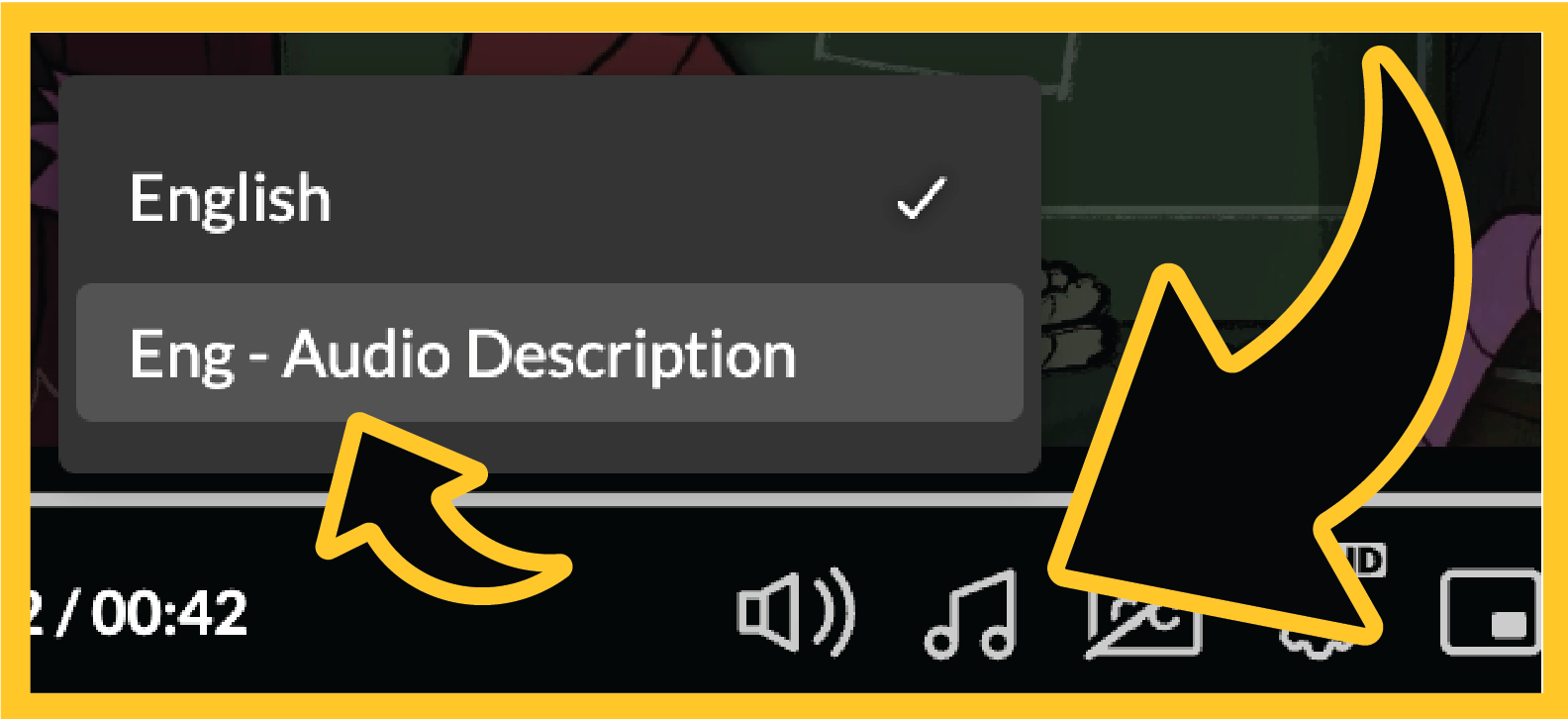
Below is a sample. To hear the audio descriptions, after you click the play button, pause the video and click the Audio Options button on the player (music note icon) and switch from "English" to "Eng - Audio Description." When you start playing the video again, a voice will describe what is happening on the screen as well as the audio already present in the video.
Video: Emma Vines, Tightrope, 2024, Digital Animation.
Take Note! The audio descriptions tend to focus on what is happening and not so much on every detail on the screen. Think of them as being there to describe action or important details that are not already being described in the audio. This means that any instructions you have for the student (where to click, what to choose, or what you're using in your experiment) you may still need to describe. What audio descriptions can help with is:
- What is happening: actions and reactions in an experiment
- What people are doing in a scene, demonstration, or recital
- What is being drawn or what color it is